

HiveTrace Monitoring
Getting to Know HiveTrace Monitoring
Section titled “Getting to Know HiveTrace Monitoring”HiveTrace Monitoring provides continuous monitoring and protection for AI applications, helping teams detect threats early, prevent attacks, and respond to incidents.
The platform analyzes inbound and outbound interactions in real time, complemented by asynchronous checks for deeper risk detection and ongoing policy improvement.
It also:
- offers centralized control for multi-agent systems;
- prevents prompt injection and jailbreak attacks;
- reduces the risk of personal data leakage;
- supports flexible custom rules and security policies.
How It Works
Section titled “How It Works”HiveTrace Monitoring sits between your application and the generative model, adding a control layer to every interaction.
It analyzes user prompts and model outputs to identify:
- suspicious and unsafe scenarios;
- attempts to manipulate system behavior;
- transfer of sensitive data (PII/confidential information).
This approach helps prevent unsafe outcomes before they affect business processes, supports internal policy enforcement, and improves the predictability of AI services with minimal changes to your existing architecture.
Platform menu
Section titled “Platform menu”Use the icons in the left navigation to open the main workspace areas. The additional platform menu is in the lower-left corner: click the avatar containing the current user’s initial.
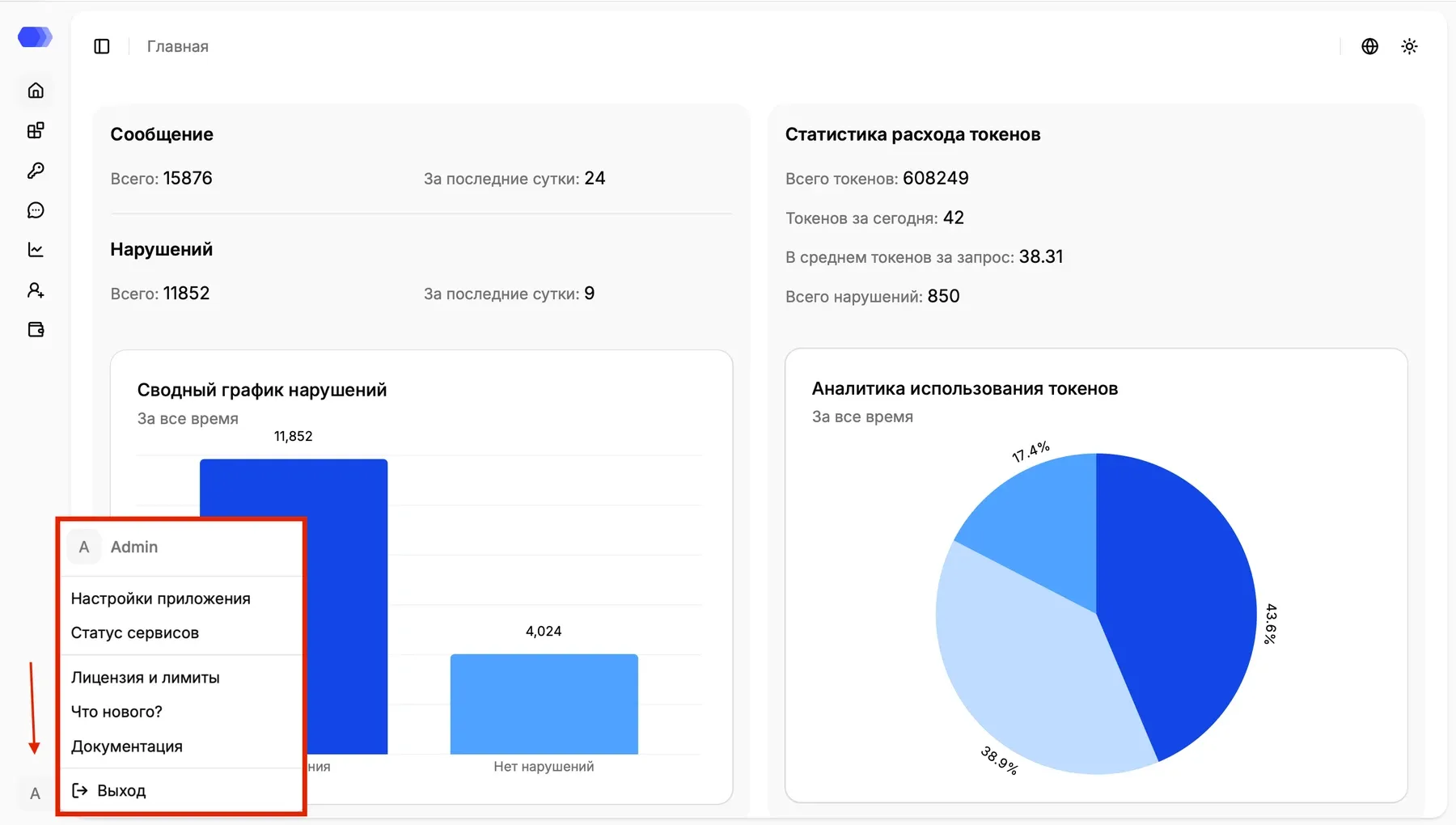
The menu header shows the current user’s avatar and name. The following destinations appear below it:
| Item | Destination |
|---|---|
| Application settings | Global monitoring and protection module settings |
| Service status | Platform component health and service availability |
| License and limits | Active license information and available limits |
| What’s new? | Changes and capabilities introduced in recent releases |
| Documentation | HiveTrace user documentation, opened in a separate tab |
| Sign out | Ends the current session and returns to the sign-in page |
Click an item to open its destination. Save unfinished form changes before selecting Sign out, because signing out ends the authenticated session.