

Alerting Configuration
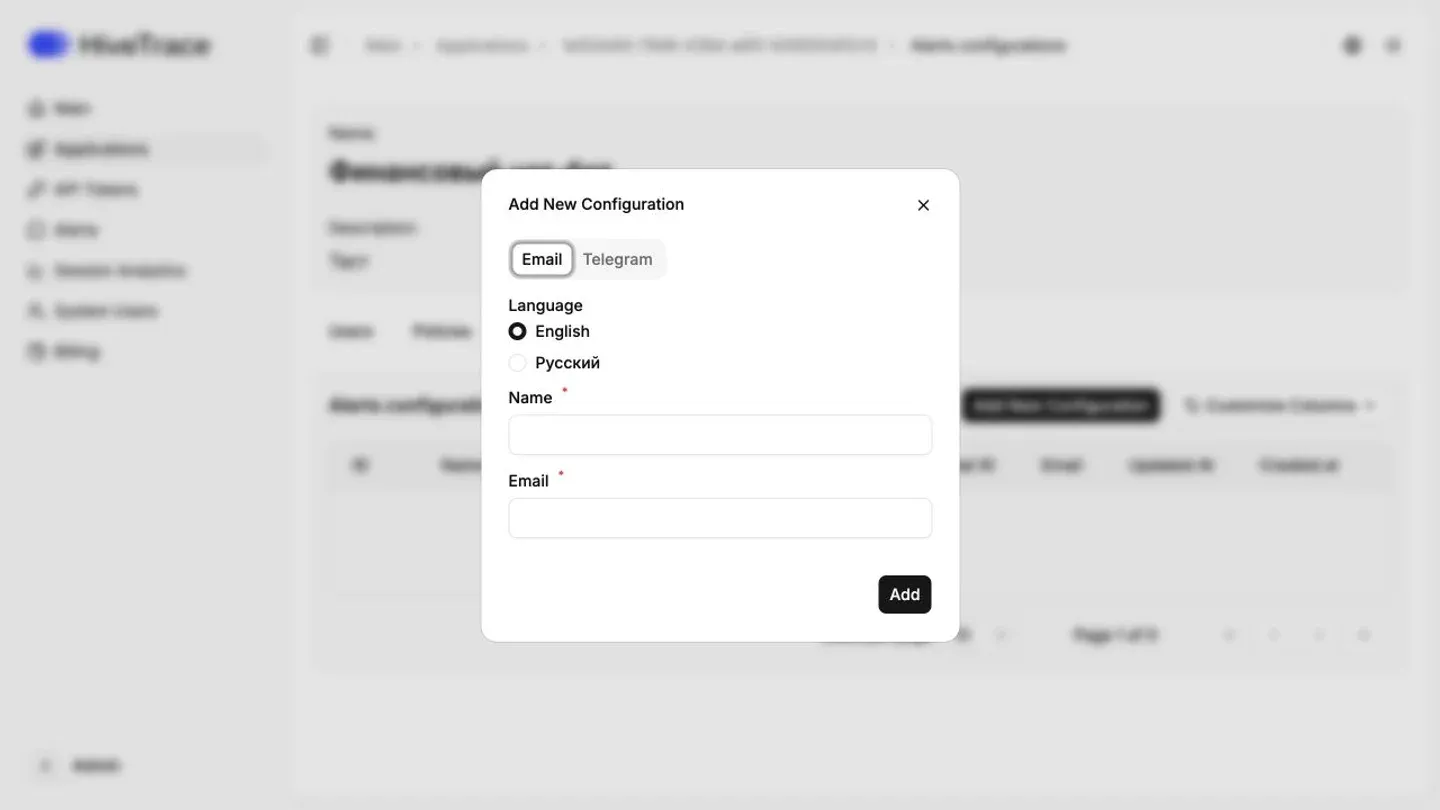
On the Alert Configuration page, you can review existing notification channels and add new ones. Currently, two delivery methods are supported: Email and Telegram.
All configured notifications are also available in the Alerts section, providing centralized visibility into system events and incidents.
Choose Russian or English for each notification channel. The selected language applies to new messages sent through that channel.
Important: SIEM integration is configured during platform deployment by your DevOps engineer or a HiveTrace specialist. The supported log forwarding format is Syslog.
Adding a New Configuration
Section titled “Adding a New Configuration”To create a new notification channel, click “Add New Configuration” and complete the required fields based on the selected type.
For Email:
- Name — a custom configuration name;
- Email — the address that will receive notifications.
For Telegram:
- Name — configuration name;
- Bot Token — the token generated when creating a Telegram bot;
- Chat ID — the identifier of the chat or channel where notifications will be sent.
Properly configured alerts enable faster incident response, improve operational visibility, and help maintain a strong security posture for AI applications.