

Service status
The Service status page shows overall platform availability, individual components, and their dependencies. Administrators open it from the profile menu and use it for initial diagnosis.
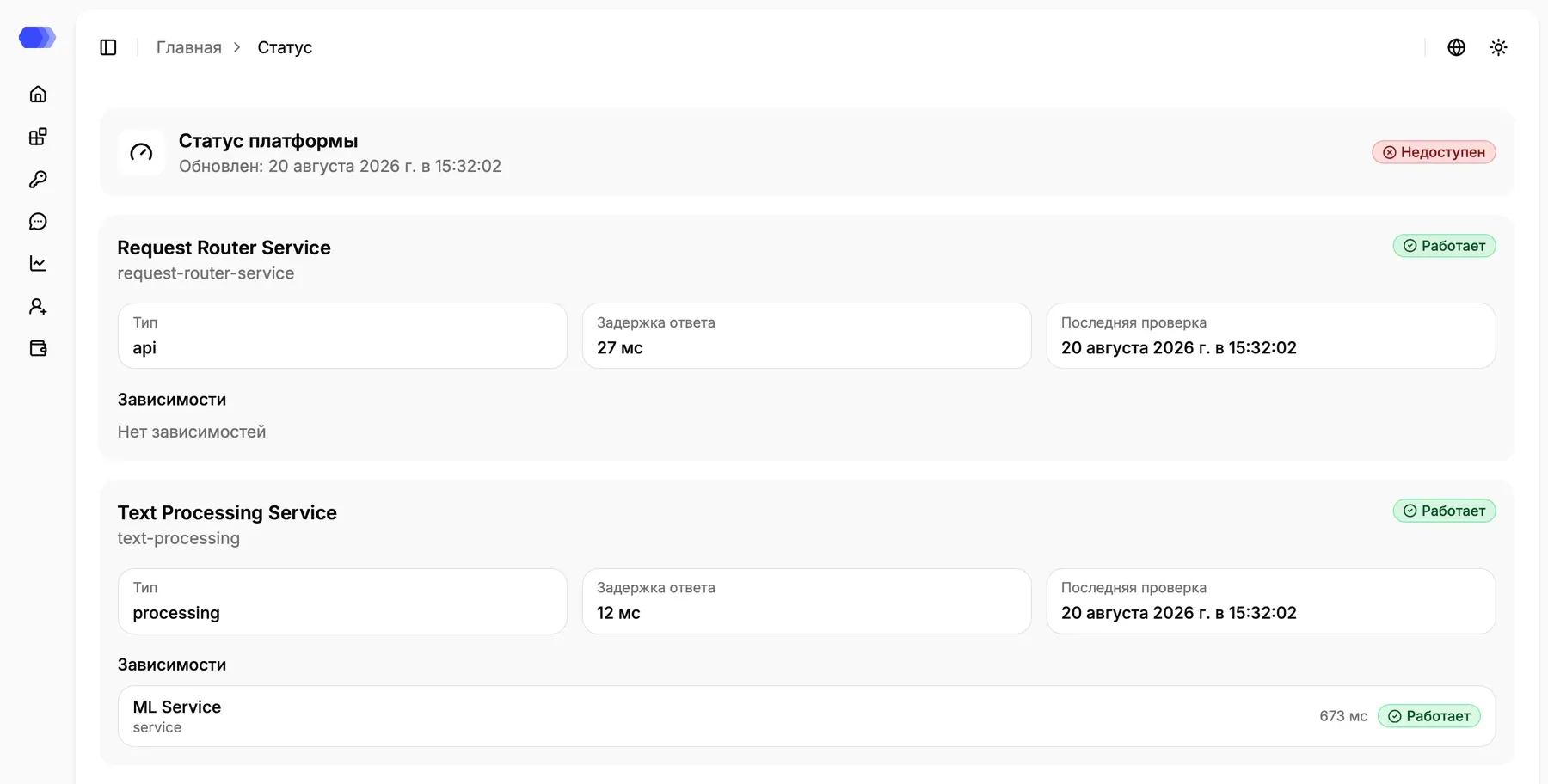
Platform summary
Section titled “Platform summary”The top card contains the overall state and update time. The overall state takes component health into account: the platform can be reported as unavailable when a required service is down even if other components remain operational.
The screenshot is an example from one check. Use the current state and update time shown in your environment.
Service card
Section titled “Service card”Each card contains:
- service name and state;
- Type — the component’s role in the platform;
- Response latency — duration of the latest check in milliseconds; a dash means that no value was returned;
- Last checked at — time of the latest monitoring result;
- error text when a check fails;
- Dependencies — nested components and their individual states.
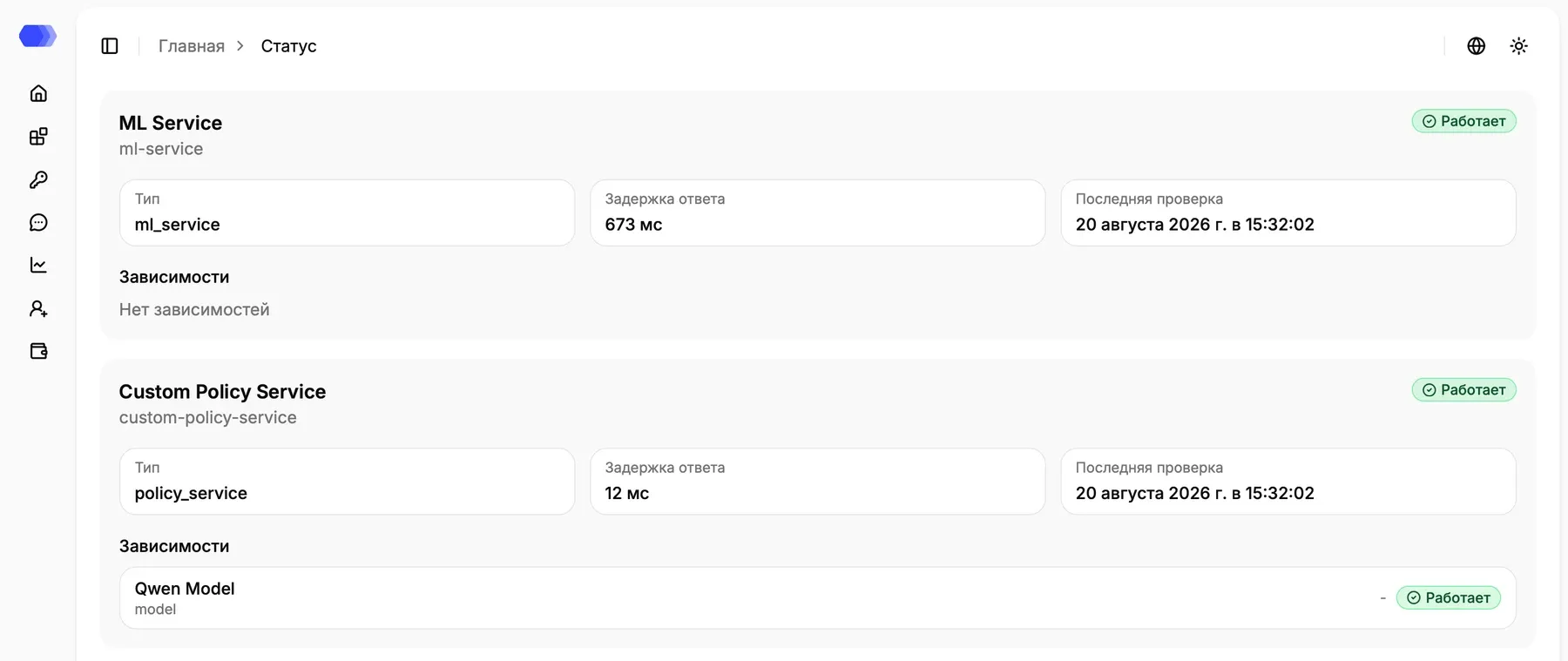
A dependency appears inside its parent service card with its own name, type, latency, and state. This helps distinguish a failure in the service itself from a problem in a downstream model or component.
States
Section titled “States”- Operational — the check completed successfully;
- Degraded — the service responds slowly or only partially;
- Down — the check failed;
- Disabled — the component is disabled by configuration and is not treated as an incident;
- Unknown — monitoring has not obtained a definitive result yet.
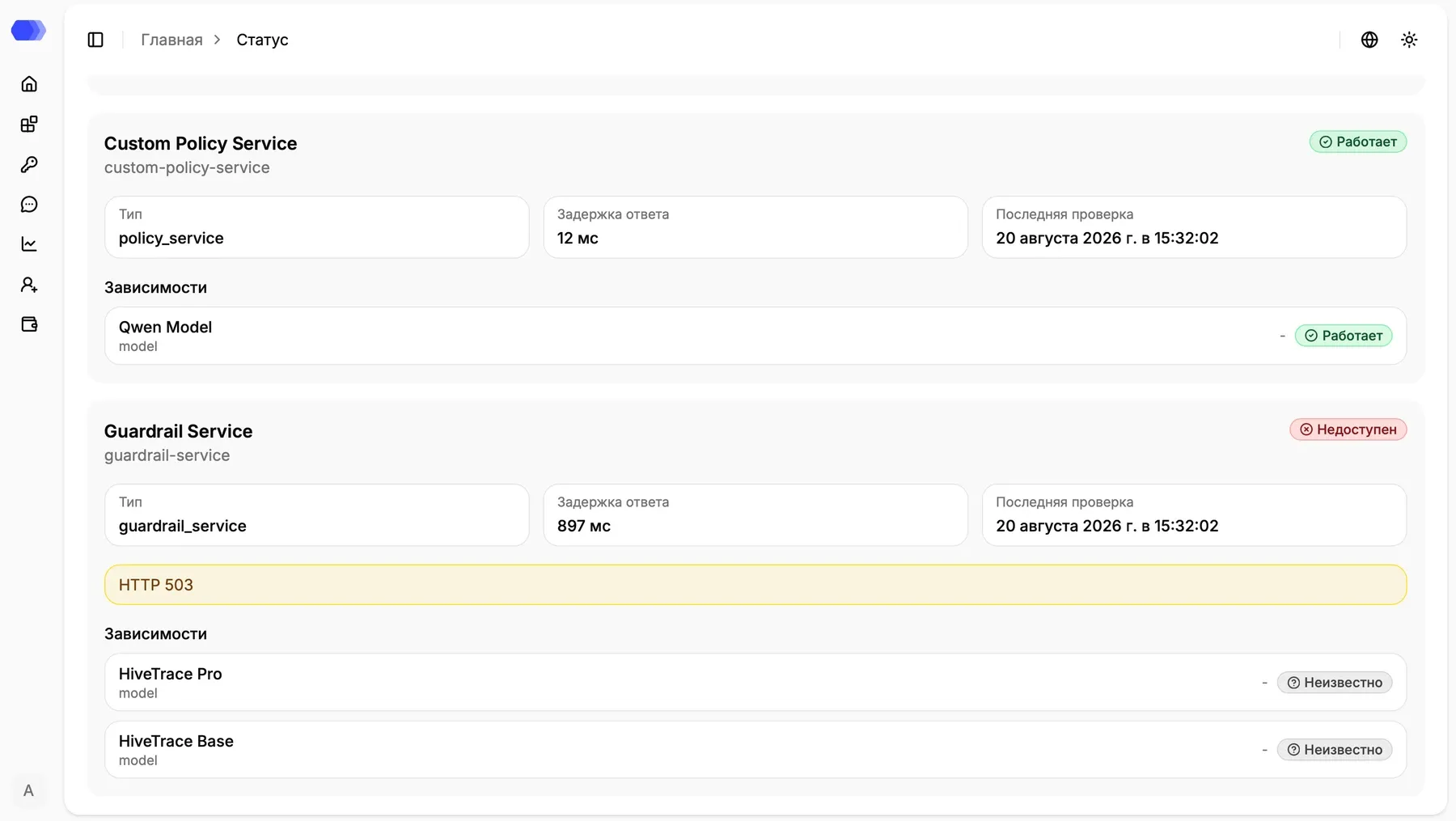
For example, HTTP 503 means the checked service could not process the request at that time. Unknown does not prove that a dependency failed; it means monitoring could not obtain a conclusive result.
Responding to a failure
Section titled “Responding to a failure”- Check the latest-check time; a stale value can indicate a monitoring problem.
- Inspect the affected service’s dependencies and locate the lowest failing component.
- Record the error text and check time.
- Continue the investigation in that service’s logs and metrics. This page does not provide restart or configuration controls.