

What's new
The What’s new? page shows the installed HiveTrace version, component versions, and release history. Open it from the profile menu.
Current version and components
Section titled “Current version and components”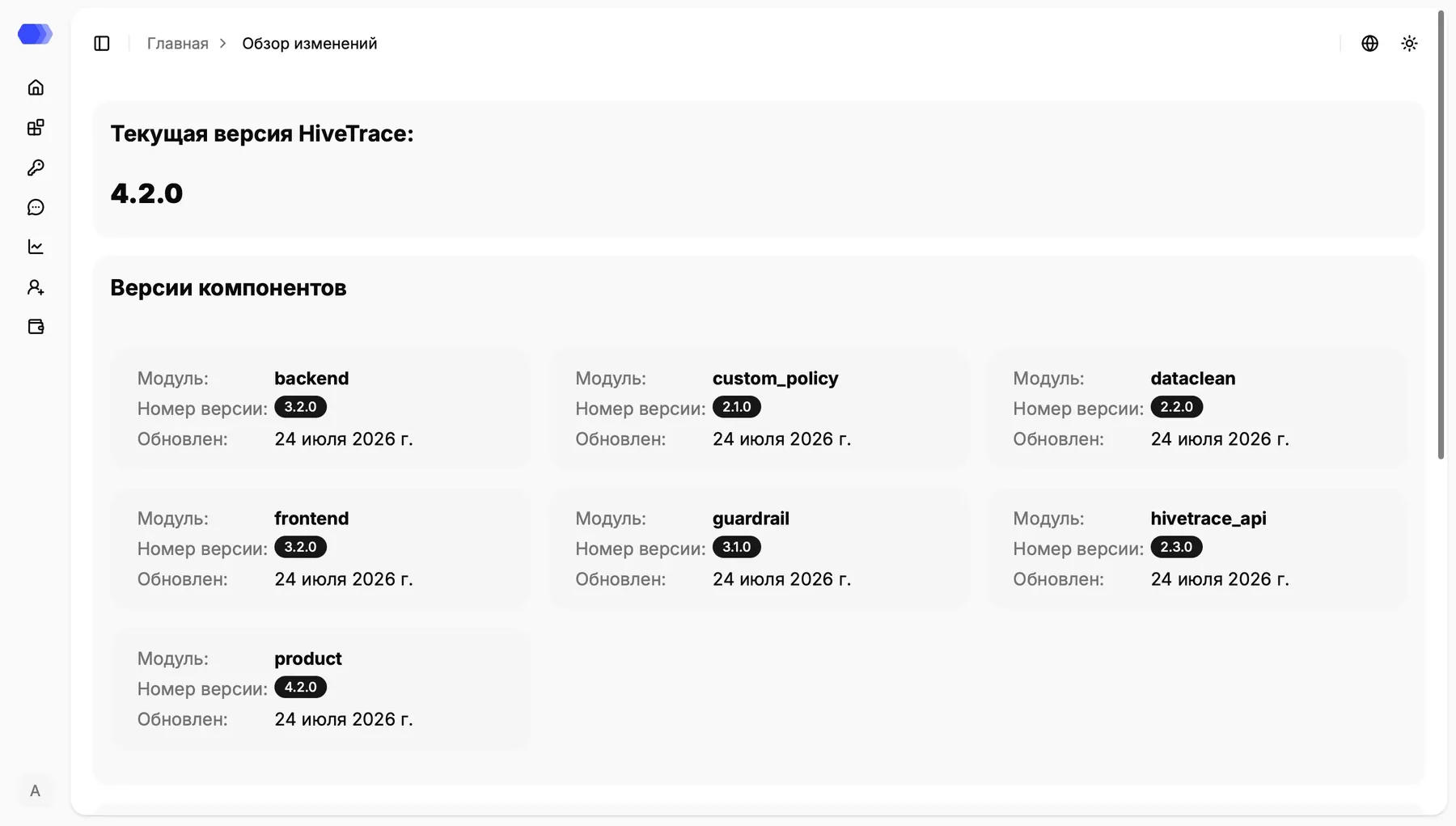
Each component card shows the module name, version, and update date. Component versions can differ in a modular deployment. The screenshot reflects one environment and may not match your installation.
Release history
Section titled “Release history”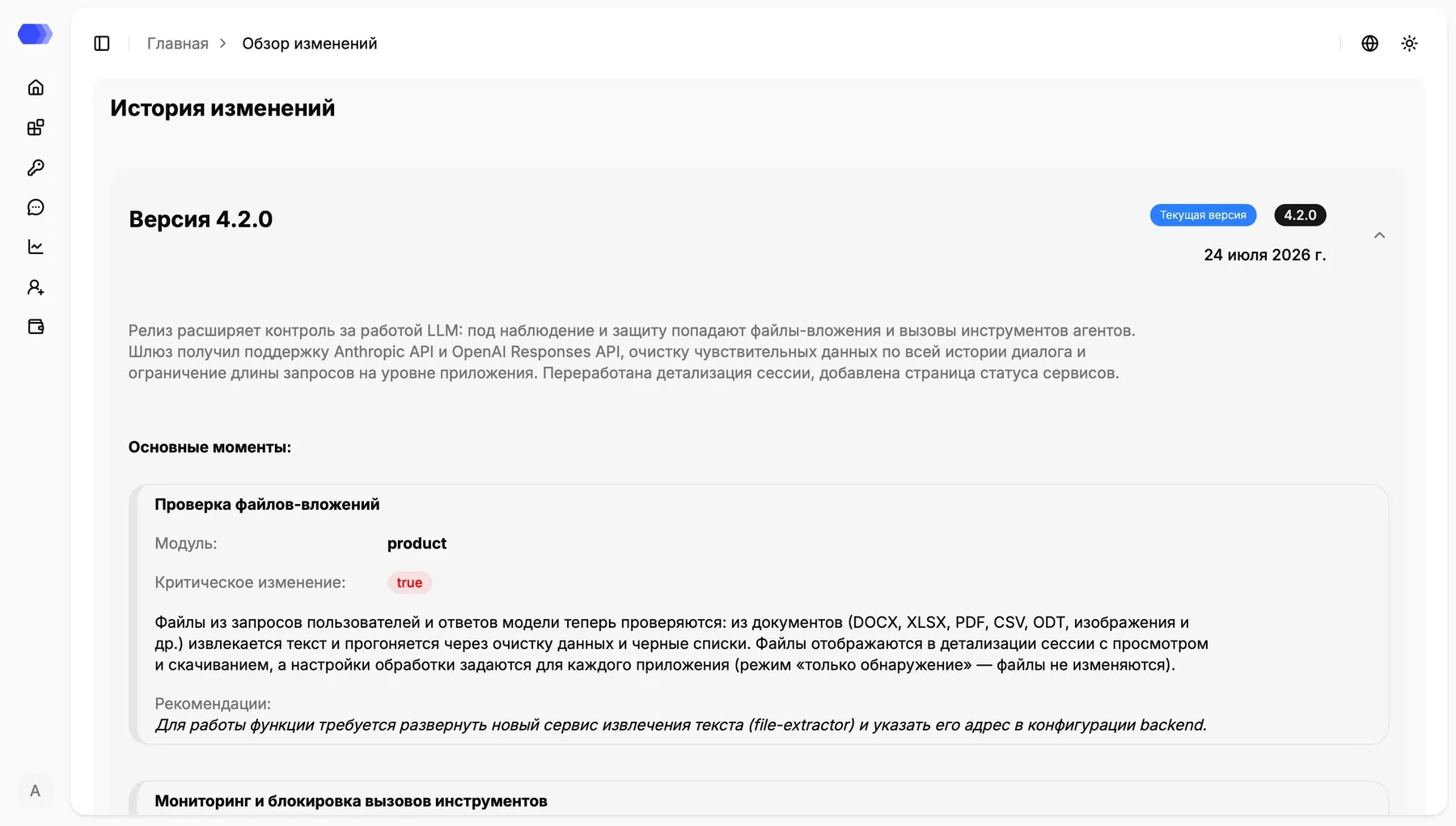
Select a release header or its chevron to expand or collapse it. A card can contain a summary, affected module, critical-change flag, detailed behavior, and deployment recommendations. Review critical changes and recommendations before upgrading because they may require a new service, environment variable, or configuration change.